See where real people struggle with your product — and understand why. We plan and run moderated sessions and unmoderated tests, then turn observations into prioritized improvements.
What we uncover
Behavioral patterns that analytics tools cannot reveal.
Moments where users stop understanding what happens next. These are often silent — no error message, just a user who no longer knows what to do.
Places where users slow down, rethink their actions, or lose confidence. Hesitation before a CTA is often a signal of unclear value or trust gaps.
Specific interactions that reduce a user's confidence in your product. Trust breaks silently — users rarely say it, but their behavior shows it.
Screens that require too much effort to process. When users need to think too hard, they disengage — regardless of how well-designed the interface looks.
Pain points that make tasks harder than they need to be. Small friction accumulates — and users quietly stop completing the flows you designed for them.
How users actually feel while interacting with the product. Frustration, relief, uncertainty, and delight all leave observable traces in real sessions.
The gap
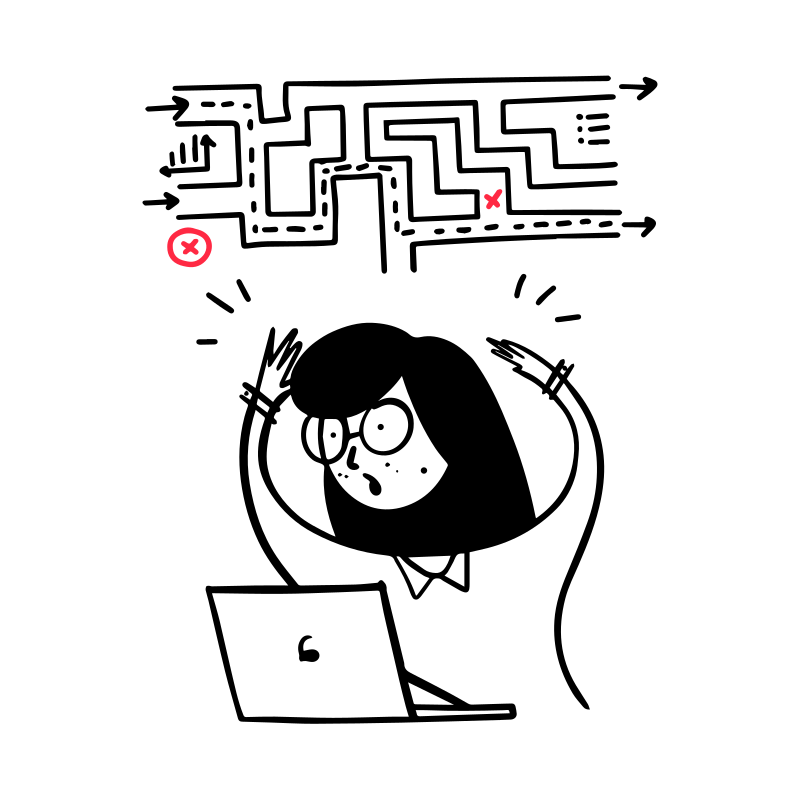
Built on assumptions
Familiarity blinds teams to friction. What feels obvious internally creates confusion for first-time users.
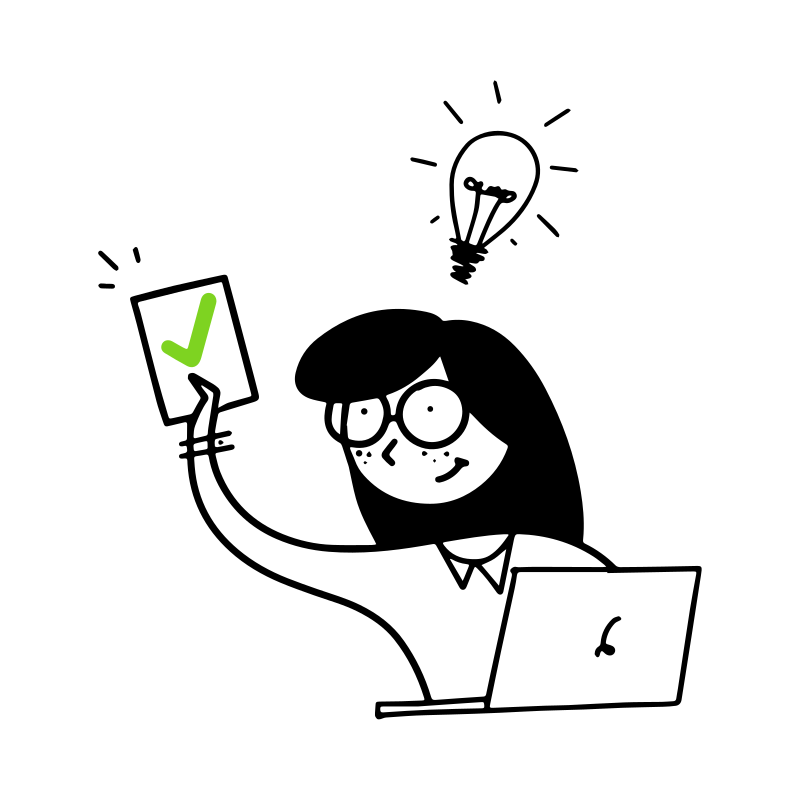
After user testing
Observed behavior — not assumptions or guesses — drives every recommendation.
Two ways to test
Moderated sessions
Vadim leads live sessions with participants from your target audience. We observe realistic tasks, explore moments of confusion, and ask follow-up questions to understand their reasoning. Useful for complex flows, early concepts, and questions that need a conversation.
Unmoderated tests
Participants follow prepared tasks in their own time through a testing platform. We design the study, review responses and available recordings, and identify patterns. Useful for focused usability questions and comparing how people approach the same flow.
We can run platform-based studies with Ballpark or UserTesting. We agree the tool, recruitment approach, and costs with you before the study begins.
How it works
Step 01
Step 02
Step 03
See it in practice
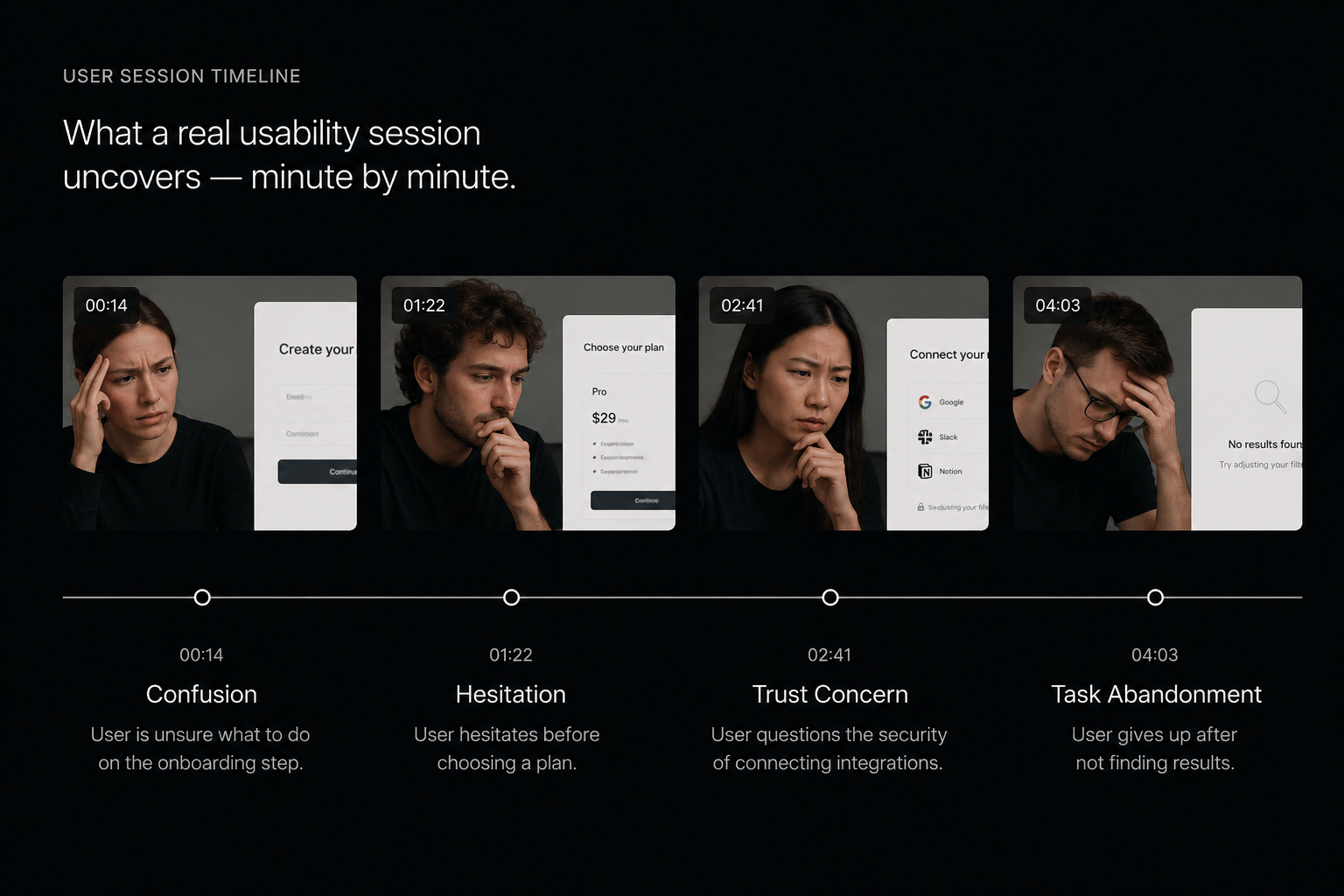
00:14Confusion during onboarding — user pauses and re-reads the same screen twice.
01:22Hesitation before the primary CTA — mouse hovers without clicking for 8 seconds.
02:41Trust concern appears — user reads pricing page and goes back without action.
04:03User abandons the task — no error, no feedback. Just a silent exit.
These moments are invisible in analytics. They are visible in human sessions.
Open session exampleWhat you receive
Every deliverable is grounded in what we actually observed — not assumptions or heuristics alone.

"Products are often built fast. Understanding humans takes longer. We observe where people hesitate, get confused, and lose trust — because that's where products fail in practice."

Trusted by




FAQ
A UX Review is an expert evaluation of your interface and flows. User Testing involves real participants completing tasks. It helps check assumptions against observed behavior. The two services can be used separately or together.
People from your target audience try realistic tasks in your product or prototype. We observe where they succeed or struggle, ask for feedback, and turn the findings into practical recommendations.
We define participant criteria with you, such as role, experience, and familiarity with your product. Participants can come from your customer base or an agreed recruitment source. Availability, screening, incentives, and recruitment costs are confirmed before the study starts.
Both. Vadim leads moderated sessions live, observing users and asking follow-up questions. In unmoderated tests, participants complete prepared tasks independently through a testing platform. We choose the format around the questions you need to answer.
SaaS platforms, AI products, MVPs, web applications, mobile apps, ecommerce platforms, and interactive prototypes. If real users can interact with it, we can observe them doing so.
Analytics show what users did. Human observation shows why they did it. A heatmap tells you where users clicked. A usability session shows you that they clicked there because they were confused about where else to go. Both are valuable — but only one reveals intent.
Timing depends on participant recruitment, the number of sessions, test format, and analysis scope. We agree the schedule and deliverables before starting, including any platform or participant costs.
Further reading
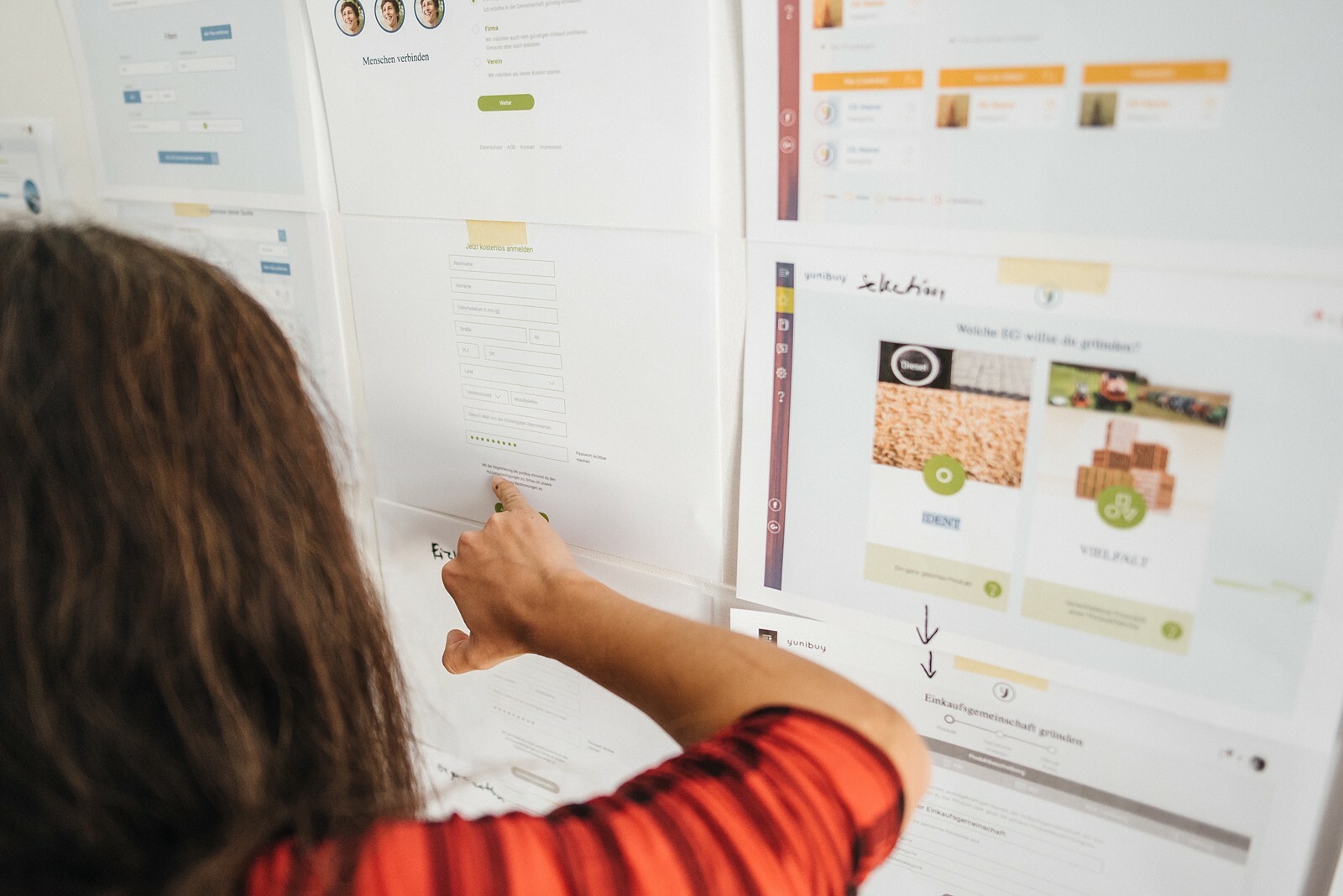
A practical guide to observing user behavior — what to look for, how to structure sessions, and how to turn observations into actionable improvements.
Read on Medium →
Design decisions made without real user observation create products that feel right internally but fail in practice.
Read on Medium →
How observation, iteration, and validation shape better product decisions — and why the process matters as much as the outcome.
Read on Prototypr →Get started
Tell us what you want to learn. We will help define the right tasks, participants, and testing format.
We'll review your brief and get back within 1–2 days with a clear scope.
