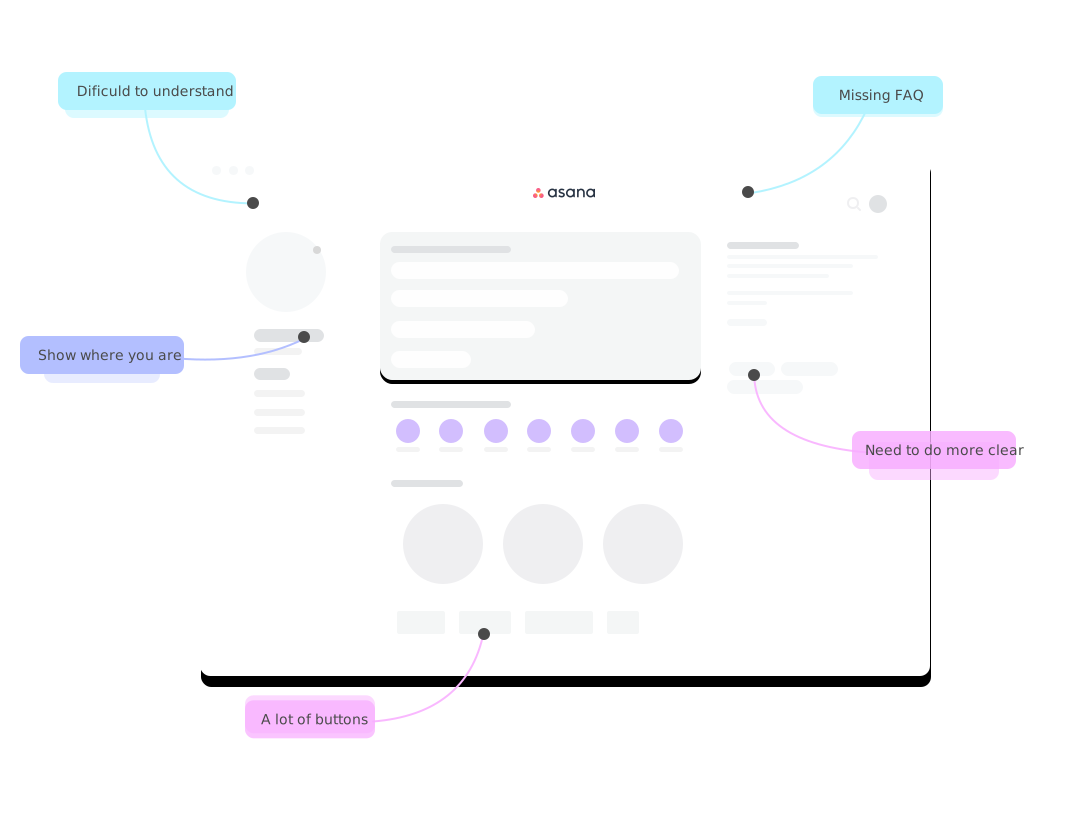
A focused review of your product's critical user flows — every friction point, usability issue, and conversion gap found and prioritised, with actionable recommendations.
The problem
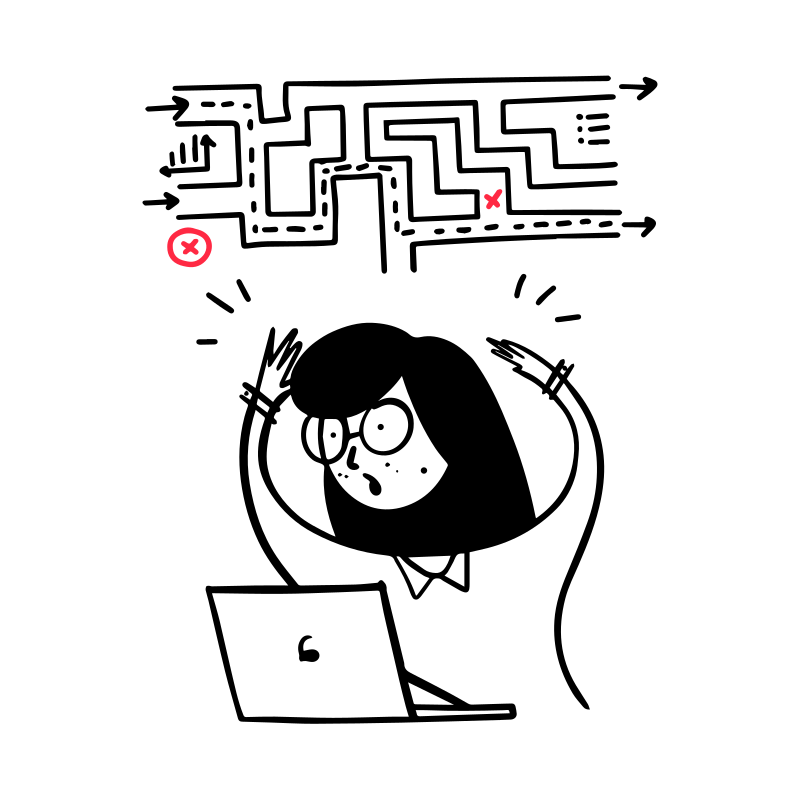
What users experience
Over 70% of products have usability issues their teams can't see — because familiarity makes problems invisible.
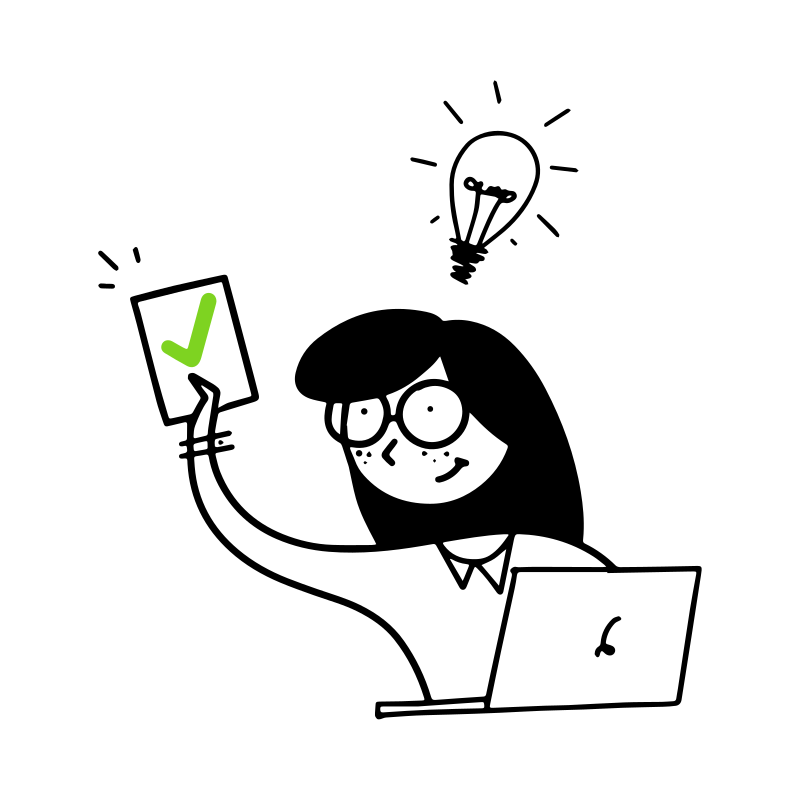
After a UX Review
Every issue identified, explained, and ranked by impact — so your team knows exactly where to focus.
How it works
Step 01
Step 02
Step 03
What you receive
Every review is specific to your product, your users, and your business — not a generic checklist.
Why expert review
AI tools flag surface patterns. A human expert finds why users actually leave.
Review plans
Quick Review
$490
Starting from
Full UX Audit
$1,490
Starting from
Audit + Design
Custom
Scoped per project

"Our UX review is based on designer expertise, the rules of the best UX experts, principles of usability and user interface practices — not automated checklists."

Trusted by





FAQ
A UX Review is an expert usability analysis of your product. A senior UX designer walks through your key user flows, identifies problems that create friction or prevent conversions, and delivers a prioritised report with specific recommendations for improvement.
It is an empirical process — we evaluate the interface against established usability principles while accounting for your specific business context and user expectations. Read more at Nielsen Norman Group →
A UX Review works well for any product team that suspects their interface has usability problems but lacks the time or perspective to find them. It is especially useful before a redesign, when conversion rates are dropping, or when user feedback is consistently negative but the cause is unclear.
You will receive a detailed report with annotated screenshots, severity ratings, and fix recommendations. Depending on the plan, this is accompanied by a Figma file with wireframes and a 60-min video walkthrough call. Deliverable formats: PDF, Notion document, or Figma file.
The report includes a prioritised list of issues — each with a clear recommendation. Your development and design team can implement the fixes directly. If you do not have an in-house design team, we can proceed to the Audit + Design plan and implement the improvements ourselves.
Automated scanners check predefined patterns — they flag what looks technically wrong but cannot explain why real users leave your product. A human expert evaluates business intent, user psychology, conversion logic, and the emotional quality of the experience — things no scanner can assess.
A Quick Review can typically start within 2–3 business days of receiving your brief. A Full UX Audit is scheduled based on current capacity — usually within one week. Fill out the brief or book a call and we will confirm a start date.
Useful to read

The main 2 reasons to run a quick self-review: considerably quick results and the possibility of handling it even with a limited budget.
Read on Medium →
The design should be for people, not for designers. Put yourself in the place of the user and simplify the performance of their main tasks.
Read on Medium →
A walkthrough of our approach to user experience design — from the first conversation to the final handoff.
Read on Prototypr →Get started
Most UX issues are invisible to the team building the product — that's exactly why an expert review works.
We'll review your brief and get back within 1–2 days with a clear scope.