Product design for iOS and Android — from user flows and mobile UX to interactive prototypes, platform-native design systems, and complete developer handoff.
What we design
Mobile is not a smaller screen. It's a different context, attention span, and set of constraints.
01
UX & Architecture
User flows, information architecture, and navigation patterns designed for how people actually use mobile apps — not how desktop apps work.
02
UI Design
Platform-native iOS and Android interfaces: spacing, gestures, components, and interactions that feel like they belong on the device.
03
Handoff & Systems
Organised Figma files, design tokens, interactive prototypes, and developer specs that teams can actually build from without guessing.
The problem
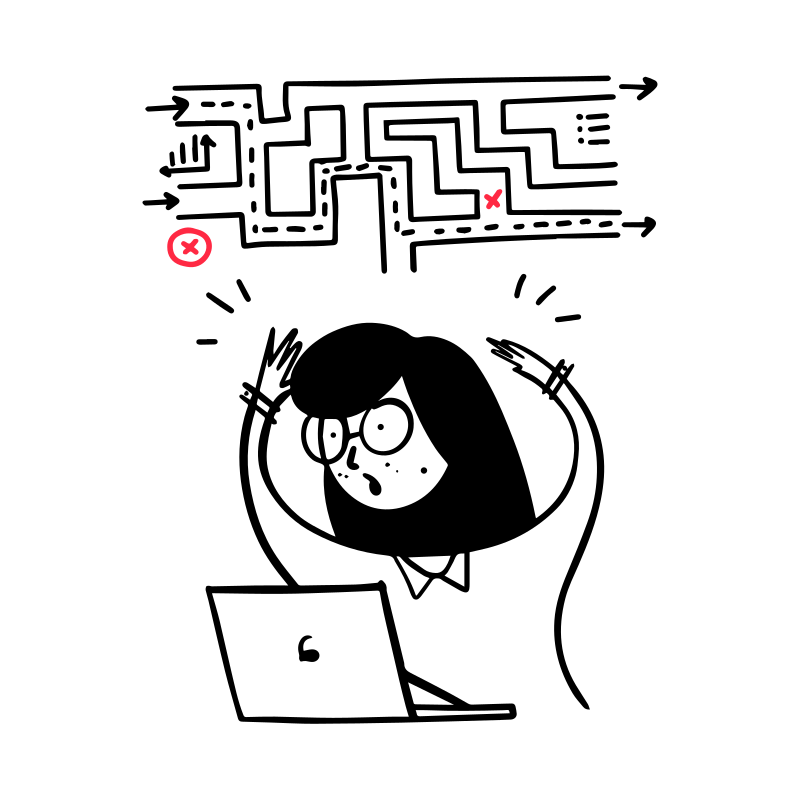
What users experience
Designed by engineers or adapted from a web product — flows that make sense to the team, not to the person trying to complete a task.
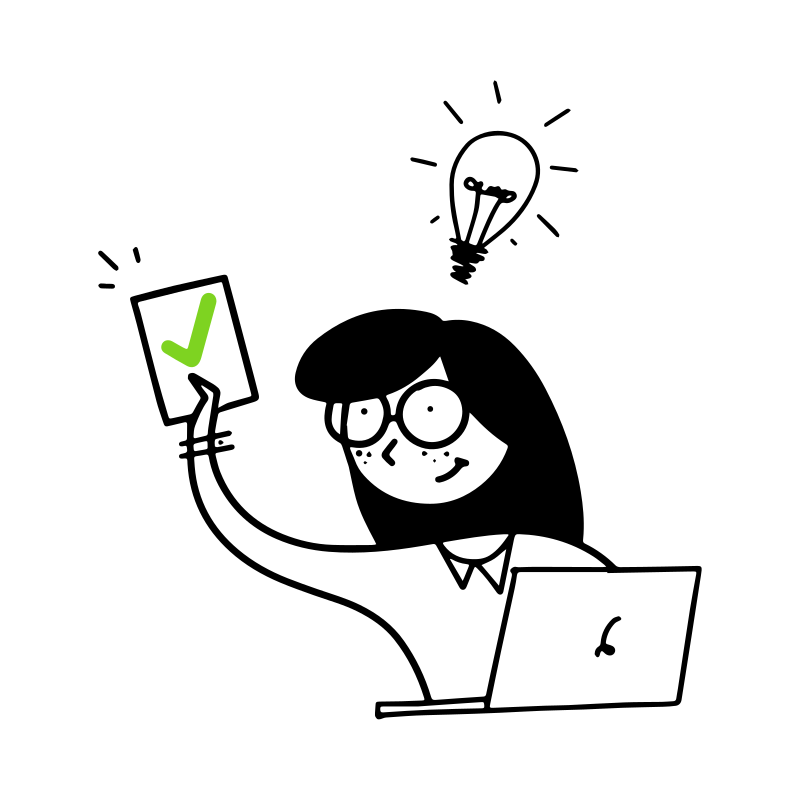
What we design instead
Every flow tested against real user behaviour — platform guidelines respected, friction removed, and the core action always one tap away.
How we work

Step 01
Step 02
Step 03
What you receive
Organised, documented, and ready to hand off — not a Figma file that requires a live call to interpret.
Our approach
Platform-native
We follow iOS and Android guidelines — not just adapt web patterns to a smaller screen. The result feels like it belongs on the device.
User-tested
Every key flow gets validated with real users before it reaches development. We find problems when they're cheap to fix.
Handoff-ready
Organised Figma files, design tokens, and specs that developers can actually use — without a call to translate every screen.
Why it matters
The gap between a mobile design and a mobile experience is where most apps lose users.
Trusted by




FAQ
Yes. We design platform-specific experiences for both — following iOS Human Interface Guidelines and Material Design principles, rather than creating one design and copying it across platforms. If your project needs only one platform initially, we scope accordingly and plan the second phase in the handoff documentation.
We work at any stage — from a product idea that needs its first screen to an existing app that needs a full UX overhaul. If you have a functional product, we'll review it first. If you're starting from scratch, we'll begin with user flows and architecture before any visual design.
Yes. We run user interviews, usability tests on prototypes, and heuristic evaluations as part of the standard process. Every key flow gets tested before it reaches development — this is how we avoid building the wrong thing correctly. For time-constrained projects, we scope the research phase to the highest-risk flows.
You receive an organised Figma file with a complete design system, design tokens, component specs, and annotated screens. We also include an interactive prototype and a handoff document covering spacing logic, states, and edge cases. For teams that prefer it, we can provide a Zeplin export or a Storybook-compatible token set.
Yes. We regularly embed alongside in-house product teams — as a design lead, a specialist for a specific feature, or a team extension for a high-priority release. We adapt to your workflow (Jira, Linear, Notion), your communication cadence, and your existing design system where one exists.
A focused feature or onboarding redesign typically takes 3–5 weeks. A full product from scratch — architecture, all screens, design system, and handoff — runs 8–14 weeks depending on complexity and number of flows. We'll scope it specifically after your brief.
Get started
Share your brief and we'll come back with a clear scope, a realistic timeline, and the questions we'd want answered first.
We'll review your brief and get back within 1–2 days with a clear scope.